The new VAU/1560/2025 regulation introduced an additional bureaucratic burden for tourist rental managers: the Informative Rental Return. If you already comply with public safety obligations by submitting traveler reports to SES Hospedajes, there is good news: you do not need to type all that data again manually.
At BnCheck we built a workflow to import your guest reports into the informative model, connecting what you already do (reporting to the police) with what is now required (reporting to the Property Registry). And remember: generating the informative model is completely free in BnCheck during february 2026.
Turn your traveler reports into the Informative Model
Forget spreadsheets. Import, complete, and generate your official file now.
Start with BnCheckBefore you begin, make sure you have your property registry identifiers available. If you are unsure about CRU/NRUA, read our article on the required data for the new return (CRU, NRUA, etc.).
Required pre-steps
To automate your annual return correctly, complete these two actions first:
- Sign up for BnCheck: Create your account to access the tooling dashboard.
- Link your accommodation with Hospederías: You must configure credentials so BnCheck can read your SES Hospedajes data securely.
Need help? Follow our step-by-step setup guide to connect SES Hospedajes.
How to import my traveler reports into the informative model
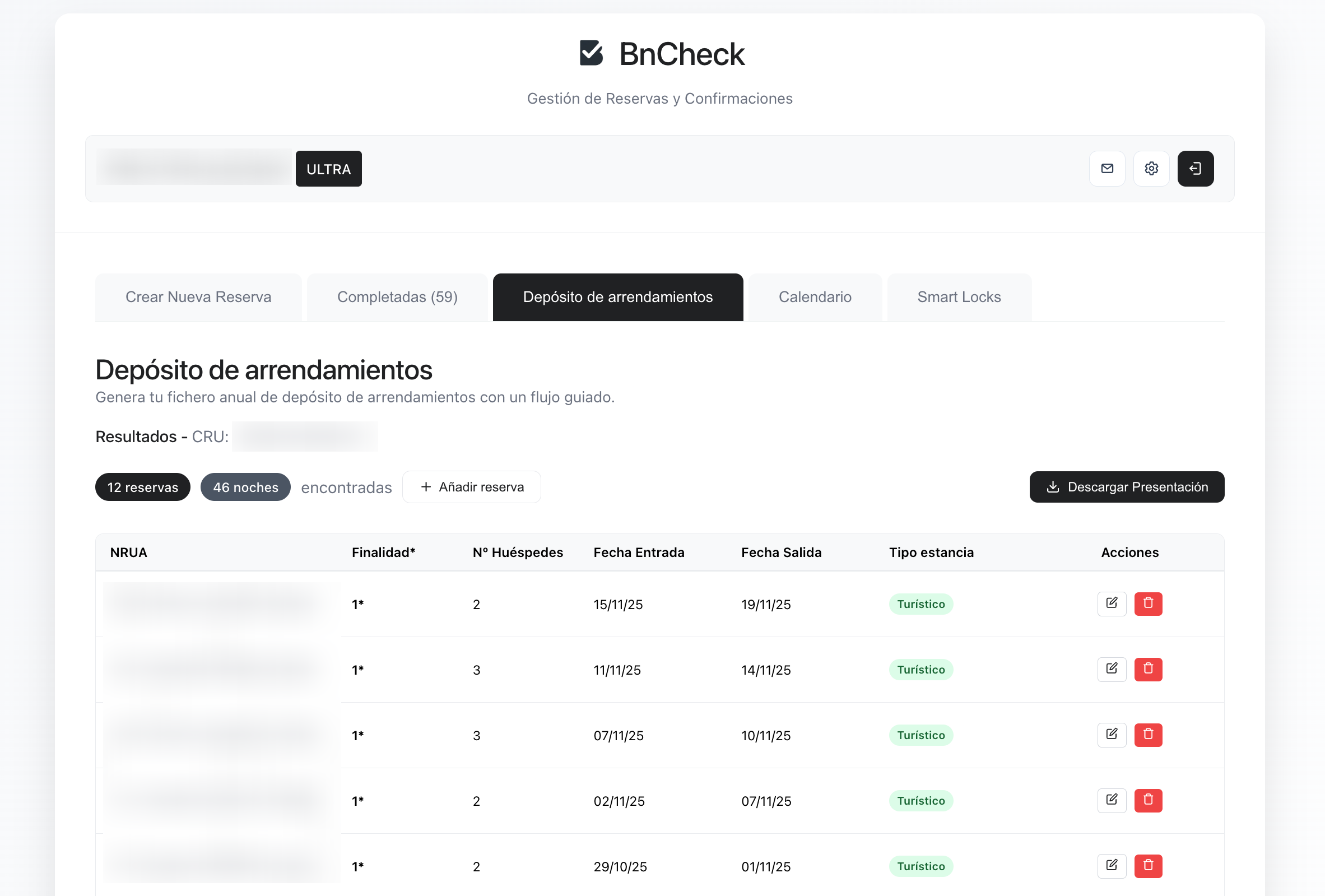
The process is intentionally simple and built to reduce transcription errors when importing traveler reports into the informative model. Inside your BnCheck dashboard, open the Informative Model generator.
The key tab: "Paste from SES Hospedajes"
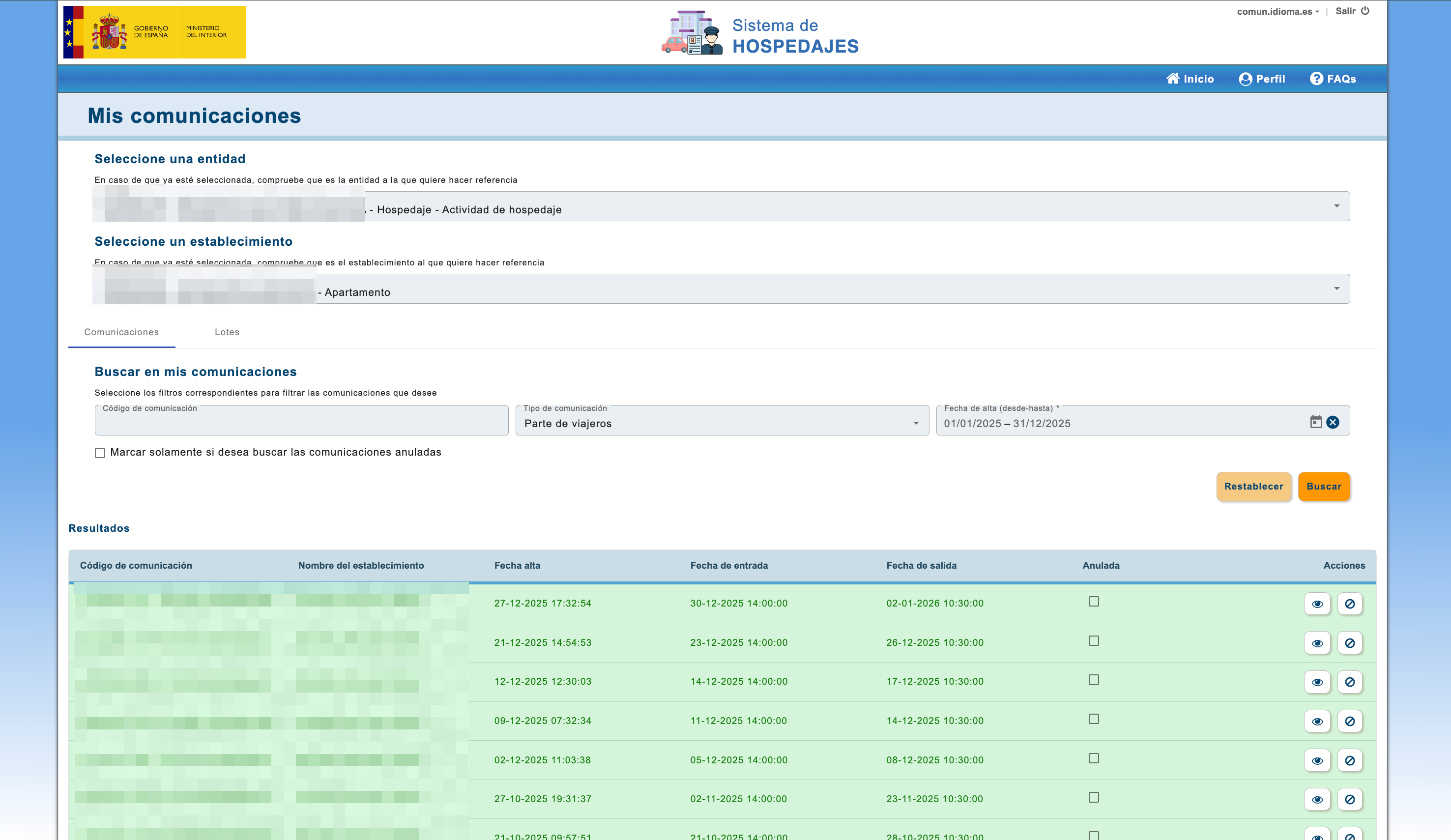
You do not need complex software or tricky formats. Inside the tool, click the "Paste from SES Hospedajes" tab.
You will see short instructions to copy your communication list from the police website and paste it into BnCheck. The system reads dates, guests, and stays automatically.
⚠️ Important: Even when traveler reports are imported, users must complete technical property data that SES Hospedajes does not provide, such as CRU and NRUA. Without these fields, the output file is not valid.
Validation and filing
After generating your data in BnCheck, you get a downloadable file ready for filing. For extra safety, we recommend validating it with the Registrars' N2 software to confirm technical structure before telematic submission.
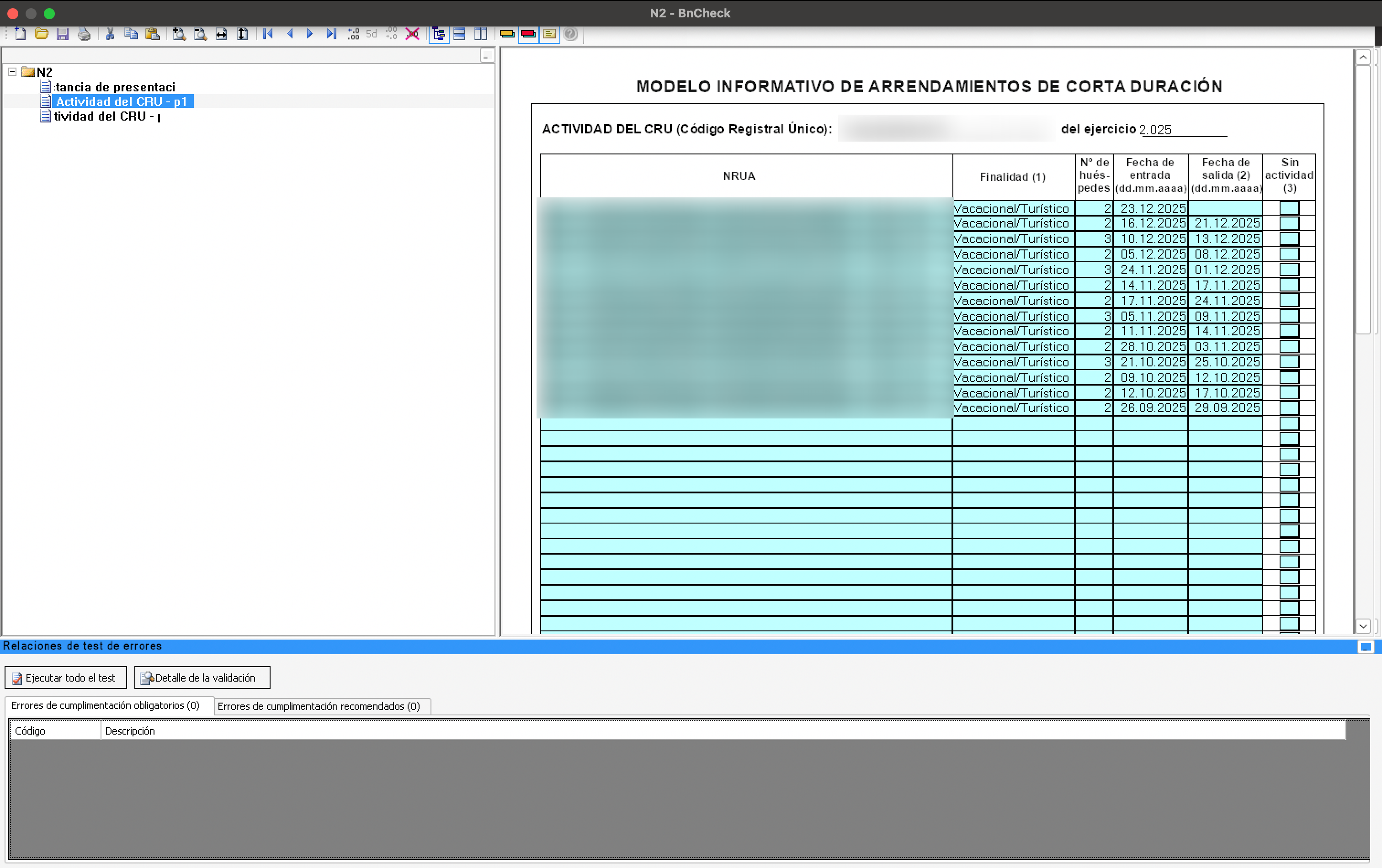
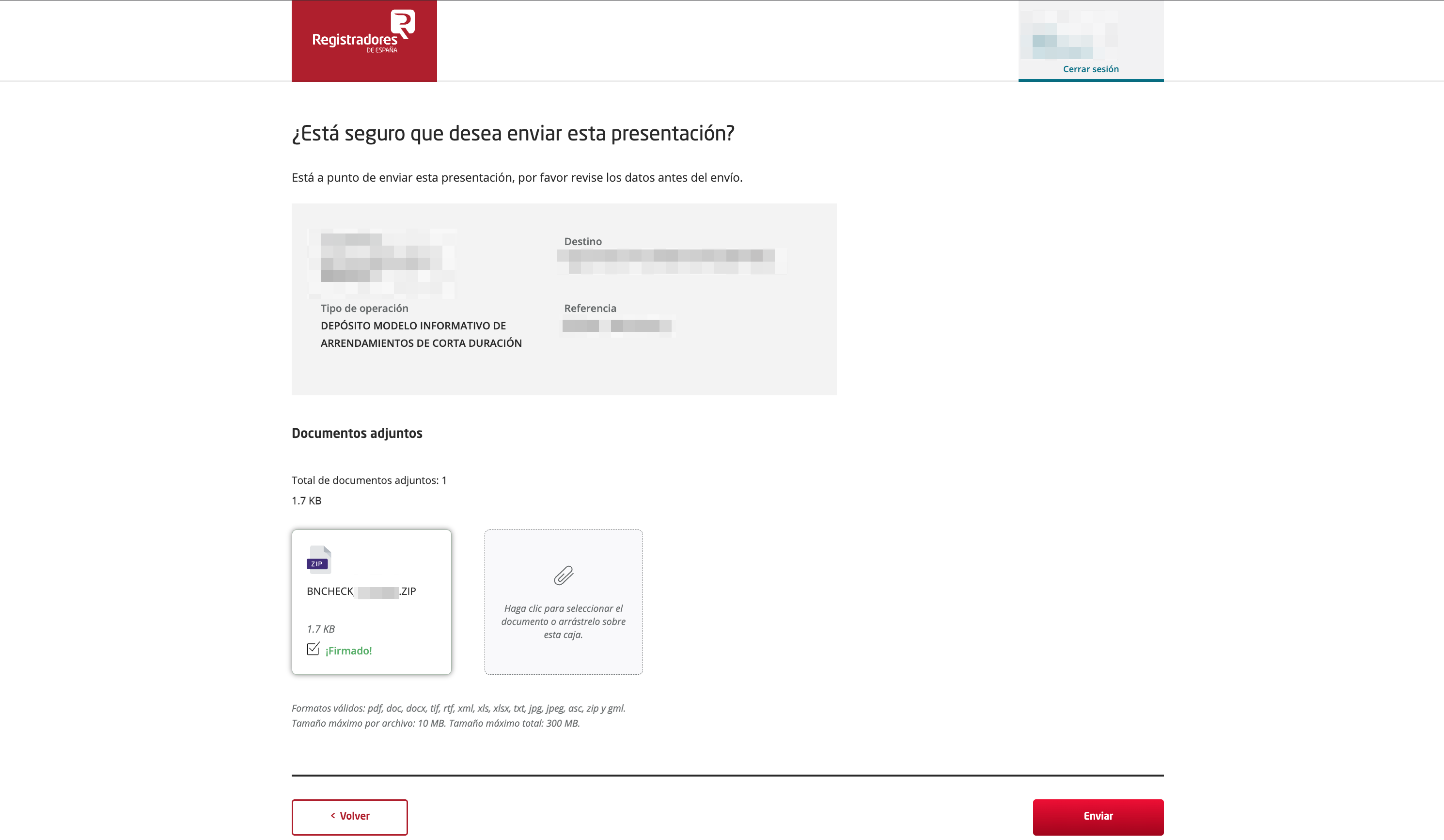
Finally, complete telematic filing through the official Registrars portal. With BnCheck, what could be an afternoon of paperwork becomes a process you finish in minutes.