The best guest-registration tool depends on the work you want to reduce: entering SES data, collecting guest details, reviewing multiple properties or coordinating a team. A full PMS and a reporting app can meet different needs.
This comparison is published by BnCheck and includes our product. We use providers’ official pages to describe their focus, rather than assigning unverified prices or missing features. Reviewed on 1 October 2026.
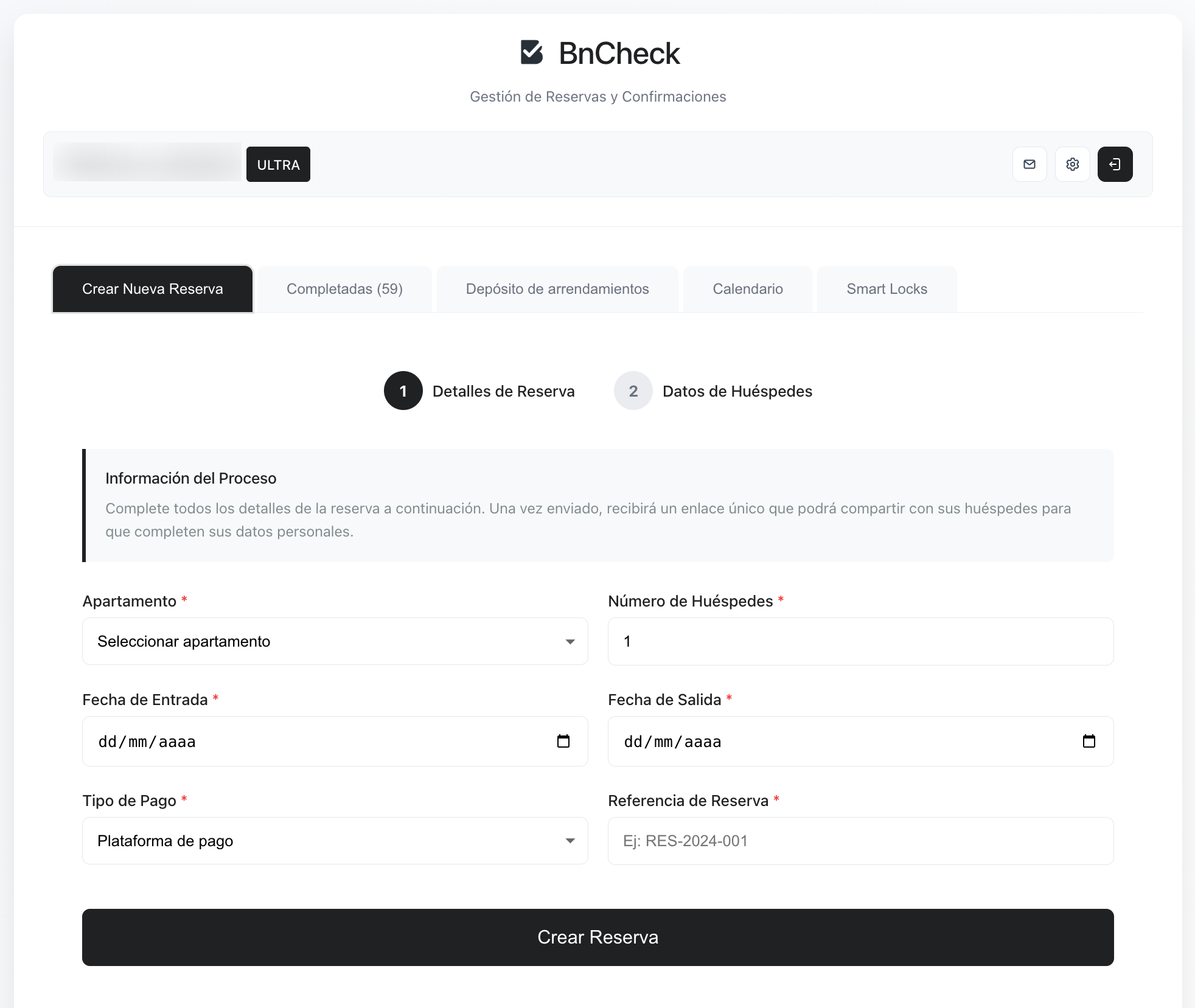
Official portal or registration software?
You can report directly through SES Hospedajes without subscribing to BnCheck. The Ministry’s page links the platform and guide. You then organise collection, review and reporting using your own processes.
A connected tool can bring forms, bookings and results together, reducing transcription. You still need to review details and the authority’s response. A completed form, initiated submission and accepted communication are different states.
What to compare before subscribing
- Reported events: ask separately about bookings, cancellations and arrival reports. “Connected to SES” does not establish that all events are covered.
- Collection and review: check the guest link, manual entry and correction of document-reading errors.
- Submission results: look for statuses, references and a process for rejections or annulments.
- Total cost: compare properties, bookings, users, modules, tax and monthly or annual billing.
- Access and data: review team permissions, data-processing terms and information collected by the form.
Options and when to consider them
| Option | Focus | When to consider it |
|---|---|---|
| SES Hospedajes direct | Reporting through the official platform. | When you can organise collection and review yourself. |
| BnCheck | Guest links, document reading, review and report submission from the dashboard. | For one or several properties; Ultra includes Teams. |
| Lodgify | PMS, calendar, channel management and direct bookings. | If you also need distribution and booking sales; verify guest-registration configuration. |
| Check-in Scan | A specialist tool for guest registration and data capture. | If data collection and registration are priorities; check plans, properties and integrations. |
| Chekin | Online check-in and services associated with arrivals and stays. | If you want registration alongside other check-in services; confirm module inclusions. |
| Partee | Guest registration, booking communications and integrations. | If you need another system connected; check the specific integration and reported events. |
| iButlers | Accommodation management with registration and authority-reporting features. | If comparing broader management tools; verify which plan includes the reporting you need. |
These descriptions identify the focus, rather than ranking quality. Verify the specific integration and plan with each provider. Third-party trials, prices and modules can change.
BnCheck pricing by property count
| Plan | Properties | Monthly web price before tax | Check |
|---|---|---|---|
| Basic | 1 | €4 | Guest registration and data collection for one property. |
| Premium | Up to 5 | €10 | Additional modules, arrival guides and Nuki integration under its conditions. |
| Ultra | Unlimited | €20 | Includes Teams for access and permission management. |
All three plans include unlimited bookings. Basic and Premium offer a 14-day trial for eligible accounts, rather than 15 days or an automatic trial on every plan. Check current pricing for annual billing, tax, modules and conditions. App-store prices may differ.
Check whether BnCheck suits your accommodation
Create an account, review the form and configure the connection once your SES details are ready. Check trial conditions for your selected plan.
Create accountChoose for your property and team
One property: compare direct reporting with the cost of collecting details by link and reviewing bookings. Two to five: check property limits and whether you need separate operators. A team or larger portfolio: prioritise individual access, permissions and booking visibility.
If you also need a booking engine, channel distribution or a direct-sales website, assess a PMS and verify whether guest reporting is native or needs another integration. Avoid paying for a broad package solely for a function a smaller tool could handle.
Additional modules have separate requirements
BnCheck includes additional modules for working with accommodation data and preparing information. Each procedure has its own purpose and requirements; a SES connection does not establish that other obligations or declarations are complete. Check the module and its relevance to your circumstances before subscribing.
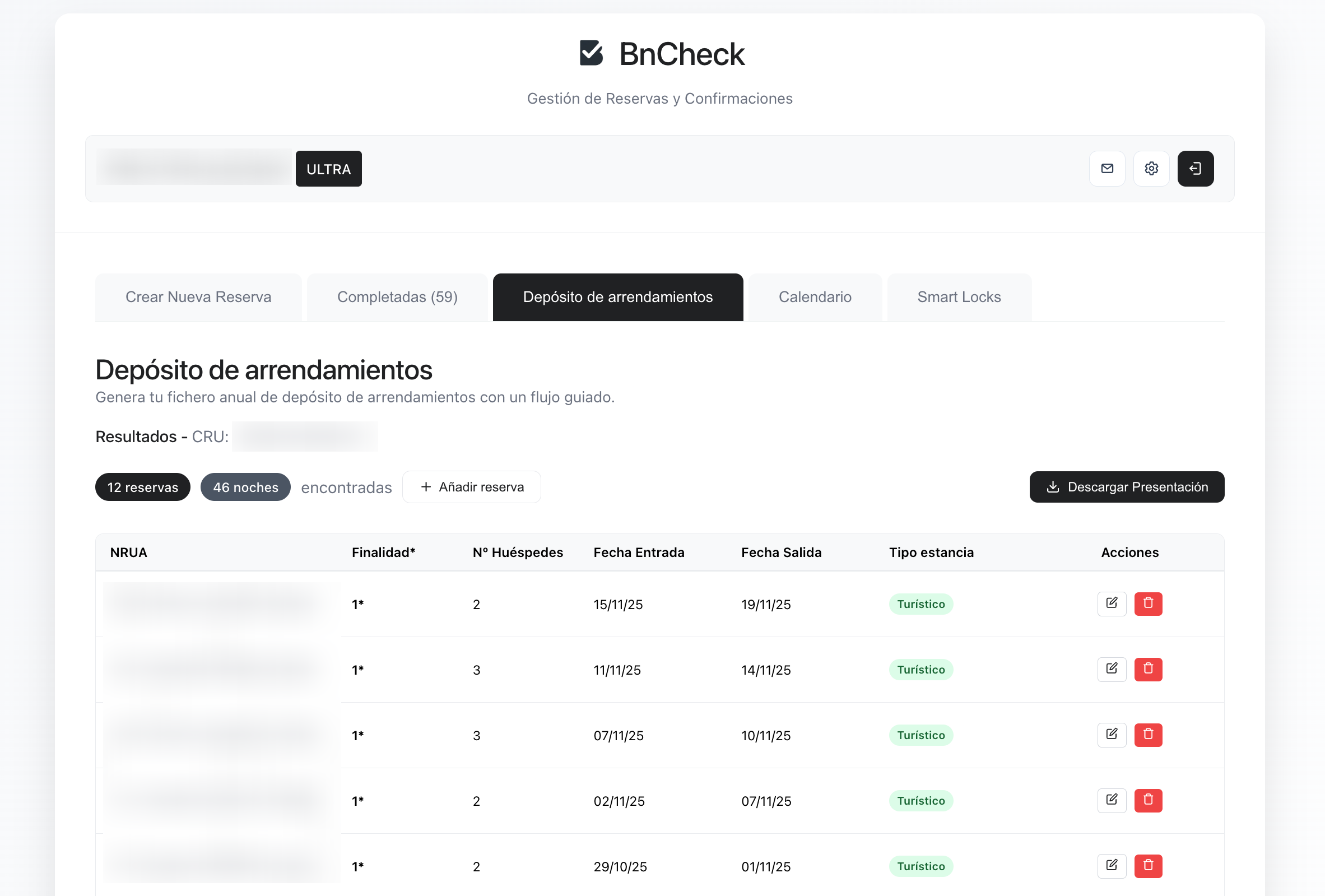
What to try before deciding
- Review the form on a phone and check that guest instructions are clear.
- Confirm the official codes and credentials you need.
- Check how pending details, responses and errors appear without submitting invented data to SES.
- Calculate the cost for all properties and team members.
If choosing BnCheck, the SES setup guide explains what to prepare before connecting. Review features on the SES Hospedajes software page.
Sources and scope
Reviewed on 1 October 2026.